AI tooling

I use AI at three points of product work: to build before engineering commits, to analyze faster and deeper, and to remove friction from delivery. Below is what I use it for today, from shipped work to my own operating system.

Premium tier prototype in Flutter web, built with Claude Code.

Prototyping to decide

Working prototypes settle debates that Figma frames keep open.

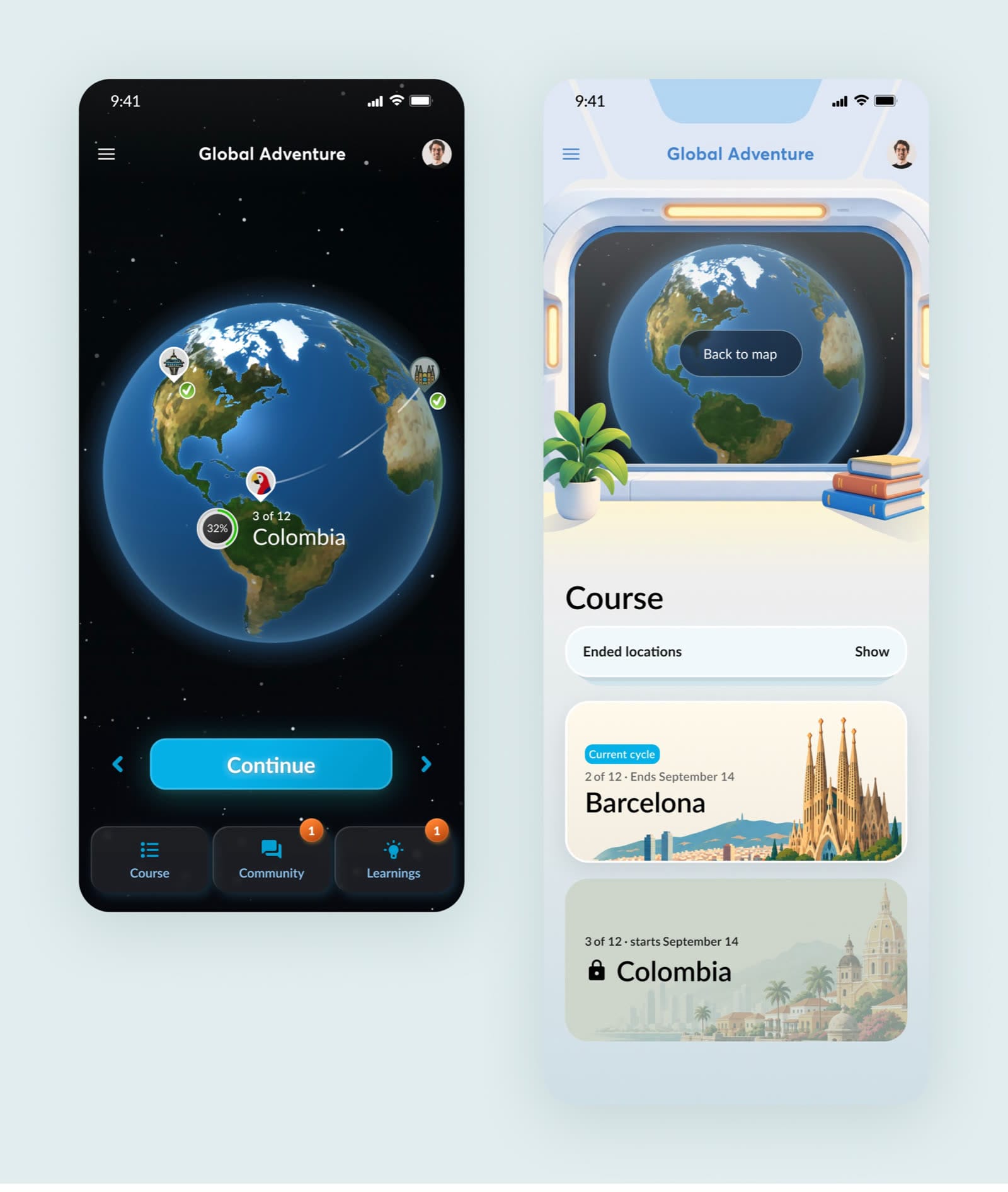
Premium tier prototype screens with the 3D globe

Premium tier prototypes

Flutter web + Claude Code · 2026

A new premium tier built as a working app: a 3D globe rendered with a fragment shader and 15 flow variants, switchable by a URL parameter. The founders and I disagreed on navigation depth, so I built both options with the same content; the only difference was the number of taps to the day's task. A debate that had gone back and forth in meetings was settled in one review. AI wrote most of the code; I decided what each variant had to answer.

Video walkthrough (5 min)
AI conversation coach chat exercise

AI conversation coach

Lovable + Supabase + OpenAI API · 2025

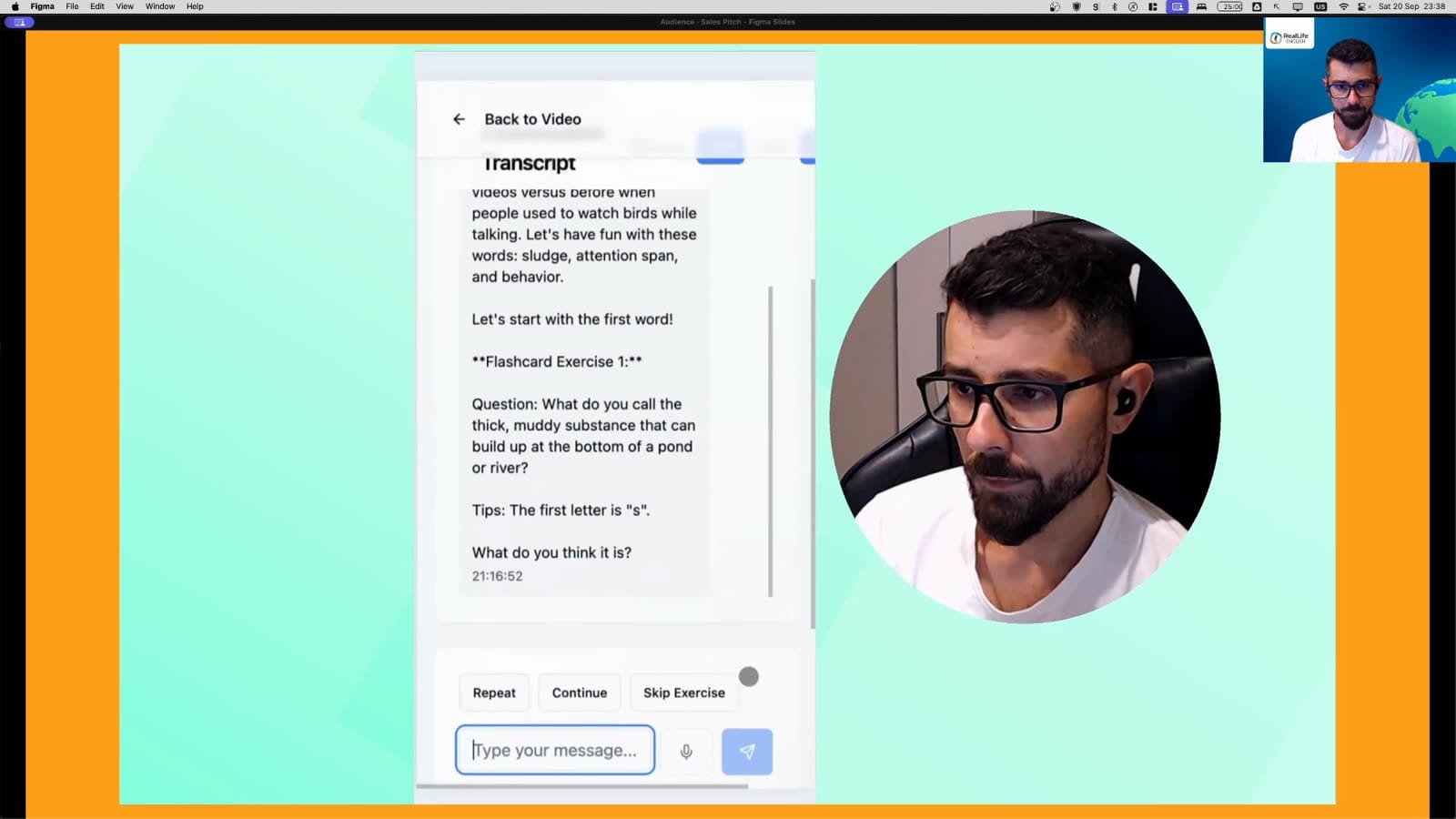
Capstone for the AI for Product Managers course: a speaking-practice app built solo. The prototype was the easy part; the eval framework was the real work, with structured outputs, adversarial synthetic users and a score that climbed from 0% to 80%+.

Full write-up
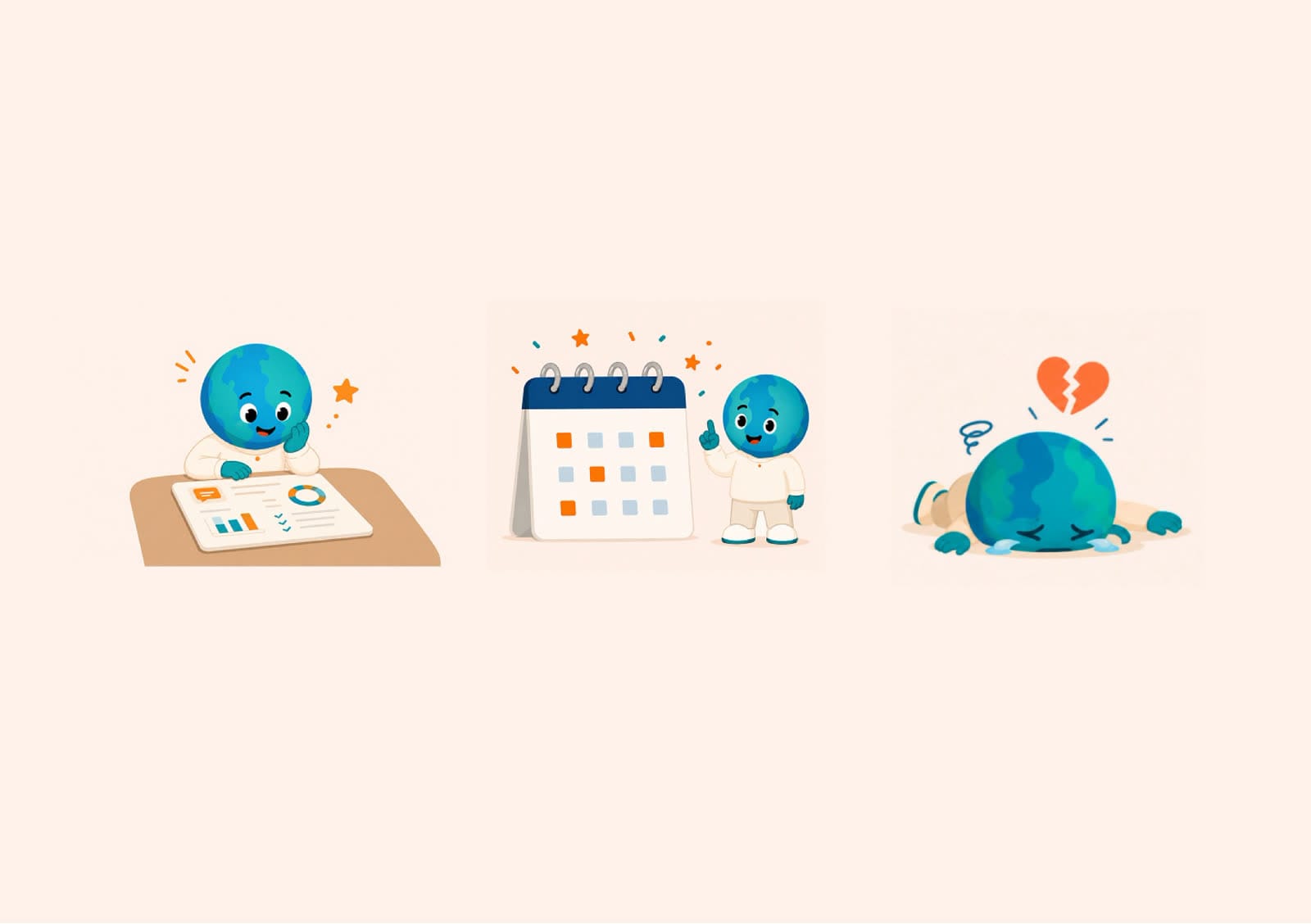
Variants of the globe mascot

Concepts, visuals and video

ChatGPT + Google Veo

Comparing many concept variants before choosing one to prototype. Exploring variants of RealLife's globe mascot, some of which shipped. Realistic images with deliberate imperfections, for a "shot on a phone" feel, now in the app's paywalls and store listings. Short videos with Veo for concepts.

An app map LLM tools can read

Figma → screen map + wireframe spec

Before asking an LLM for structural changes, it needs to know the app. I turned our Figma file into a screen map (purpose, blocks, entry points, connections, a Mermaid diagram) plus a low-fi spec of about 34 screen states, which feeds tools like Claude Design. The first pass already proposed merging two overlapping screens.

The AI conversation coach prototype: transcript and live call.

Analysis and research

Faster reports, more angles, and research that doesn't wait for translation.

Multi-dimensional impact reports

Claude Code + Python. Reports built from files (an outline plus the source data) instead of loose chat threads. CSVs are pre-processed to cut columns and tokens, then analyzed, charted in the brand's style, and cross-referenced with a product timeline to explain anomalies. A report that took 2 days now takes about 6 hours.

Multi-persona UX critique

A reusable skill that runs parallel first-person critiques of a screen or flow, one per user persona, then clusters them into action points. A fast first pass before real usability tests, not a replacement.

Surveys in any language

An automation that pulls a survey's text from our survey tool's API, translates it (Portuguese, Spanish, French) and pushes it back. Research with non-English speakers no longer waits for manual translation.

Transcription for research and QA

A script that transcribes recordings with Deepgram, plus a system-audio recorder synced with a small timestamp tool, so notes taken during a session line up with the transcript.

Removing friction from delivery

Less gathering, more deciding.

Prioritized QA for developers

I record my screen while testing and mark timestamps. An automation turns the notes into a bug list with the matching video frame and a severity indicator. Developers see exactly what I mean without watching the video.

Analytics event specs

A skill that writes event specs for new screens and flows following our own rules: which events to keep, when a generic event is enough, and when a dedicated one earns its place under the platform's event cap.

Sprint rituals from the source of truth

Sprint plans and closing reports drafted straight from our project tool: tasks, descriptions, story points, comments and goals, with a status chart. I review and adjust; the AI does the gathering.

My own operating system

A "second brain" built with Claude Code on top of Obsidian: weekly reviews, project tracking, financial planning and personal workflows as reusable skills, organized with the PARA method (Projects, Areas, Resources, Archive).

What I don't delegate

The question a prototype needs to answer, the reading of research, and the judgment about what reaches users. Pen, paper and reflection are still my best ideation and judgment tools. AI made building cheap, and that also made building the wrong thing cheap.